Baby Monitor Privacy Patrol: Secure Setup Checklist
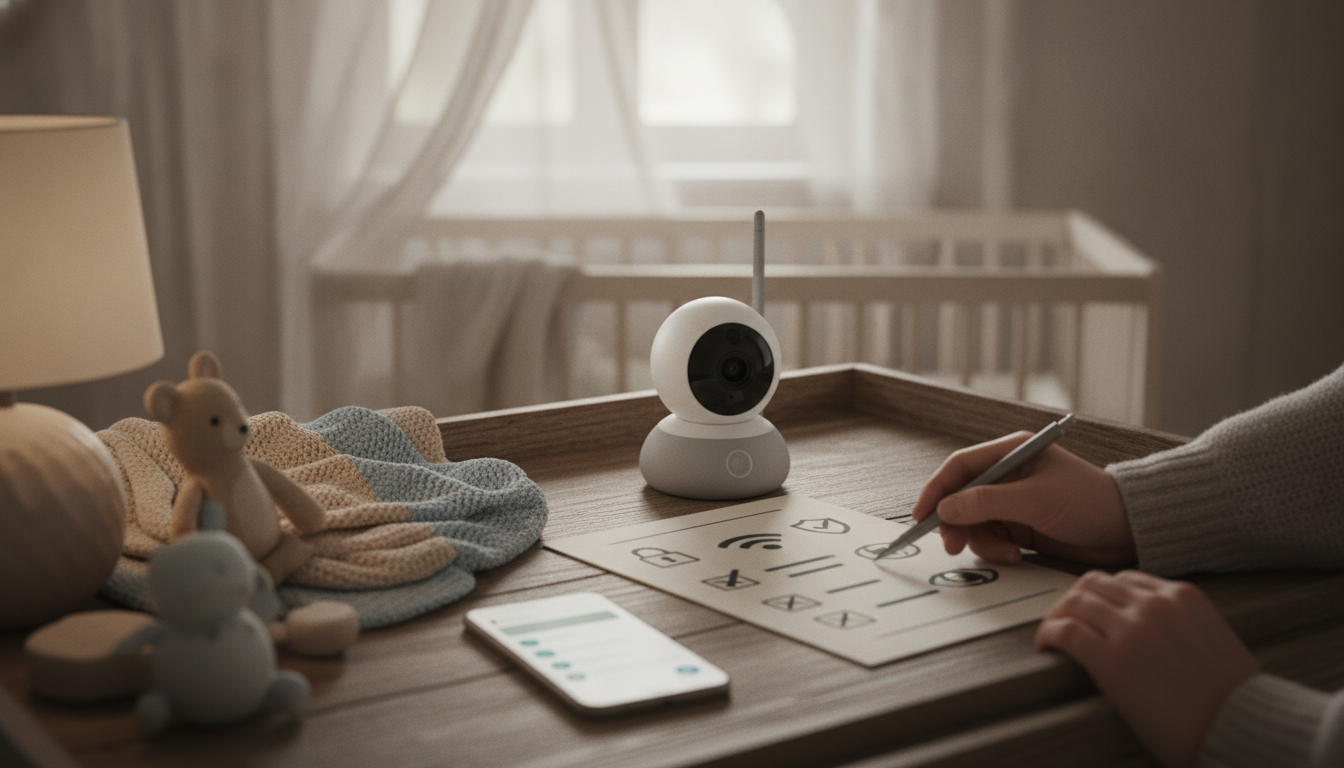
Baby Monitor Privacy Patrol: A Practical Checklist to Lock Down Your Monitor and Protect Your Home
Connected baby monitors can be incredibly helpful, but they also introduce new privacy and security risks if they’re set up with weak passwords, outdated firmware, or overly permissive app settings. This guide walks through a clear, repeatable checklist to harden a baby monitor (Wi‑Fi or app-enabled), reduce unwanted access, and set up safer day-to-day habits without overcomplicating the routine.
What can go wrong with an unsecured baby monitor
Most privacy problems don’t start with “high-tech hacking.” They start with simple gaps—default logins, re-used passwords, or an app account that’s easy to take over. Common risks include:
- Unauthorized viewing or listening due to reused passwords, default credentials, or leaked login details.
- Account takeovers if the monitor app account lacks multi-factor authentication (MFA) or has weak recovery options.
- Insecure Wi‑Fi setups (weak router password, outdated encryption) that expose any connected device.
- Over-sharing of data through cloud features, broad app permissions, or always-on microphones and recordings.
- Risk signals to watch: strange camera movement, unknown devices in the app, unexpected alerts, or settings changes you didn’t make.
If anything feels even slightly “off,” treat it like a smoke alarm: it might be nothing, but it’s worth checking immediately.
Privacy Patrol setup checklist (start here)
This is the fastest path to a safer setup—do these steps first, in order.
- Change default credentials immediately: device admin password, app password, and any web portal password.
- Use a long, unique password (12–16+ characters) and store it in a reputable password manager.
- Enable multi-factor authentication for the monitor account and the email account tied to it.
- Update firmware and app: check for device firmware updates, update the mobile app, and enable auto-updates where possible.
- Review and tighten app permissions: allow only what’s needed (camera, microphone), deny unnecessary location access, and disable contact syncing if offered.
- Turn off remote viewing if it isn’t needed; if remote access is required, restrict it to specific user accounts and devices.
- Disable guest accounts and public sharing: remove old/shared users and turn off default share links.
- Rename the device to something non-identifying (avoid baby’s name, address, or room location).
Privacy Patrol quick checklist
| Task | Why it matters | Done |
|---|---|---|
| Change device + app passwords | Stops access via defaults or reused credentials | ⬜ |
| Enable multi-factor authentication | Adds a second lock if a password is leaked | ⬜ |
| Update firmware and app | Fixes known vulnerabilities | ⬜ |
| Secure Wi‑Fi (WPA2/WPA3) + strong router password | Prevents easy network entry | ⬜ |
| Disable unnecessary remote access/sharing | Reduces exposure outside the home | ⬜ |
| Limit app permissions and cloud features | Minimizes data collection and storage | ⬜ |
| Create a separate Wi‑Fi network for smart devices | Limits lateral movement if one device is compromised | ⬜ |
| Set a monthly check reminder | Catches new settings, devices, and updates | ⬜ |
For a printable, step-by-step version you can keep on your phone, see Baby Monitor Privacy Patrol – A Checklist to Secure Your Baby Monitor and Protect Your Privacy.
Lock down the home network (the monitor is only as safe as the Wi‑Fi)
A secure monitor on an insecure router is still exposed. These network basics reduce risk across every connected device in your home.
- Update router firmware and change the router admin password (not just the Wi‑Fi password) to a strong, unique value.
- Use WPA3 if available; otherwise WPA2-AES (avoid WEP and WPA/WPA2 mixed modes if possible).
- Create a separate guest or IoT network for smart devices so phones/computers aren’t on the same network segment as the monitor.
- Disable WPS (Wi‑Fi Protected Setup), which can make networks easier to brute-force.
- Set DNS and router settings carefully; avoid unknown “optimization” apps that request full router control.
- Turn on router security features if available: device alerts, new-device approvals, and automatic blocking of suspicious traffic.
For more detail from trusted sources, review the FTC’s guidance on securing home Wi‑Fi (FTC Consumer Advice) and CISA’s wireless network recommendations (CISA).
Safer camera and audio settings for everyday use
After the initial lock-down, the biggest privacy wins often come from reducing what’s collected and when it’s available.
Account security: prevent takeovers and unwanted sharing
If something feels off: a quick response plan
Make it routine: a 5-minute monthly privacy patrol
Helpful digital downloads (in stock)
- Baby Monitor Privacy Patrol – A Checklist to Secure Your Baby Monitor and Protect Your Privacy (Digital download)
- Wear What Works Together – Color Matching Guide for Outfits, Personal Style, and Confident Everyday Dressing | Digital Download
FAQ
Are Wi‑Fi baby monitors safe to use?
They can be used safely with strong passwords, multi-factor authentication, updated firmware, secured Wi‑Fi (WPA2/WPA3), and minimal sharing/remote access. Risk rises quickly when default credentials stay in place, software is outdated, or settings are left overly open.
Should remote viewing be left on all the time?
If remote viewing isn’t needed, turning it off reduces exposure. If it is needed, restrict it to specific accounts/devices, enable MFA, and regularly review shared users and login history.
What’s the fastest way to secure a baby monitor after a scare?
Disconnect it from Wi‑Fi, change your app/email/router passwords, revoke sessions and shared users, and update firmware. If you still see suspicious behavior, factory reset the monitor, re-pair it, and place it on a separate guest/IoT network.










Leave a comment