AI Hydration Monitoring: Smarter Daily Water Habits
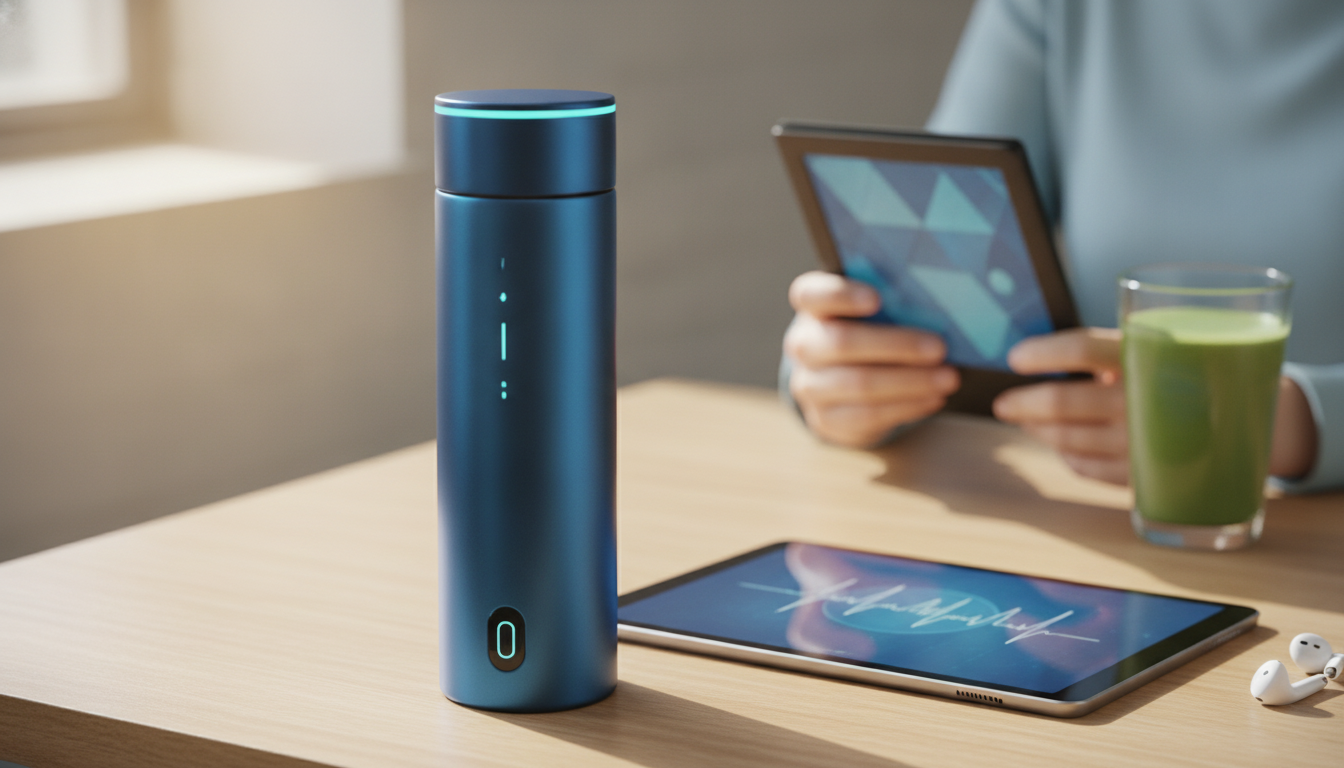
AI Hydration Monitoring Made Simple: A Smart Wellness Guide for Better Daily Hydration
Hydration sounds simple until schedules collide with workouts, travel, weather changes, and that third cup of coffee. AI hydration monitoring tools aim to reduce the guesswork by translating everyday inputs—your drinking patterns, activity, environment, and optional wearable data—into practical targets and reminders that fit real life. Used well, it becomes a consistency coach: less “catch up at night,” more steady sipping and fewer dehydration-prone gaps.
For general hydration guidance, reputable references like the Mayo Clinic and the National Academies Press (Dietary Reference Intakes) can help ground expectations, while AI tools help with day-to-day follow-through.
What AI hydration monitoring does (and what it doesn’t)
Most “AI hydration” tools don’t directly measure hydration inside the body. Instead, they estimate needs and optimize timing based on patterns and context—then nudge you to act before you fall behind.
- Translates patterns (intake, activity, sleep, temperature, caffeine/alcohol) into suggested daily targets and reminder timing.
- Helps identify repeat “dehydration risk windows,” like long meeting blocks, post-workout gaps, or travel days.
- Uses estimates rather than direct measurement; without clinical testing, it cannot confirm hydration status with certainty.
- Works best as a coaching layer for consistency, not as a medical device for diagnosing dehydration or electrolyte imbalance.
- Most useful outputs: trend lines, adherence streaks, context-based nudges, and simple daily summaries.
Common hydration signals and how AI typically uses them
| Signal | Where it comes from | How it influences recommendations |
|---|---|---|
| Water and beverage intake | Manual logging or smart bottle/app | Updates progress toward a daily target; helps time reminders |
| Physical activity | Phone sensors or wearable workouts | Raises suggested intake after higher sweat-loss sessions |
| Temperature and humidity | Weather data or location | Increases target and reminder frequency on hot/humid days |
| Caffeine and alcohol | Manual entry | Prompts extra water and earlier reminders to avoid lag |
| Sleep and schedule | Wearable/app calendar (optional) | Suggests earlier hydration start and reduces late-night reminders |
| Body weight (optional) | User profile | Personalizes baseline estimates and post-workout replenishment guidance |
A simple setup that still feels personalized
A practical setup is one you’ll keep using. Start basic, then let the tool “learn” your routine without turning hydration into a second job.
- Start with a baseline target and adjust using real-world cues (thirst, urine color, activity, heat exposure) rather than chasing perfection on day one.
- Pick a tracking style that matches your day: quick one-tap logging, a smart bottle, or lightweight “checkpoint” reminders (morning/midday/evening).
- Enable only data sources that improve usefulness—workouts and weather often help; constant location tracking and nonstop notifications often don’t.
- Set reminder “quiet hours” and meeting-friendly nudges to prevent alert fatigue.
- Use a 7–14 day learning period: consistency matters more than absolute volume early on.
Daily routine: turning AI prompts into hydration habits
AI prompts work best when they attach to things that already happen. Instead of waiting for motivation, build small “automatic” moments where drinking becomes the default.
- Anchor hydration to routines: after waking, with the first meal, after bathroom breaks, and immediately after workouts.
- Use “minimum viable hydration”: define a non-negotiable floor (for example, a glass in the morning, one mid-day, one afternoon) and let AI optimize the rest.
- Batch intake as smaller, frequent sips to reduce discomfort compared to a big late-day catch-up.
- Treat reminders as decision prompts: drink now, snooze, or log why it’s not possible—those notes reveal friction points.
- Review one metric weekly (adherence %, average intake time, or missed windows) to avoid drowning in dashboards.
Hydration needs change: workouts, heat, illness, and travel
Hydration targets are not static. A smart system earns its keep when your day is abnormal—because that’s when habits slip.
- Training days: prioritize pre-hydration and post-exercise replenishment; consider electrolytes for longer or sweat-heavy sessions.
- Hot/humid conditions: expect higher needs and earlier thirst; pre-plan water access and reminders before outdoor time starts.
- Illness (fever, vomiting, diarrhea): needs can rise; oral rehydration solutions may be appropriate; seek medical advice if symptoms are severe or persistent.
- Air travel: low cabin humidity can increase dryness; use gentle reminders, avoid heavy alcohol, and pair water with light snacks.
- High caffeine or alcohol days: add extra water earlier rather than trying to compensate at night.
Electrolytes and overhydration: keeping the balance
More water isn’t always better. Fluid balance depends on electrolytes—especially sodium—along with how quickly you drink and how much you’re sweating.
Privacy and accuracy: using smart wellness tools responsibly
A guided path for getting started quickly
Smart wellness picks (digital downloads)
- AI Hydration Monitoring Made Simple – Smart Wellness Guide with AI Hydration Monitoring Tips | Digital Download eBook (digital download)
- Wear What Works Together – Color Matching Guide for Outfits, Personal Style, and Confident Everyday Dressing | Digital Download (handy for simplifying daily decisions so hydration habits have less competition)
FAQ
How accurate is AI hydration monitoring?
Most tools estimate hydration needs using inputs like logged intake, activity, weather, and your profile, so accuracy improves when logging is consistent. It’s best used as a coaching system for reminders and trends—not a clinical measure of hydration status. If symptoms are concerning or persistent, consult a clinician.
Do smart hydration apps replace electrolytes?
No. Apps can guide timing and volume, but they don’t replace electrolytes when sweat loss is high, such as long or hot workouts. Electrolytes can help in those scenarios, but avoid overuse and follow medical guidance if you have conditions that affect fluid or sodium balance.
Can drinking too much water be a problem?
Yes—overhydration is possible, especially when large volumes are consumed quickly. Spread intake across the day and pay attention to symptoms like nausea, bloating, or confusion. People with medical conditions that require fluid limits should follow clinician guidance over app targets.







Leave a comment